As I've said before, it's rare that a picture emerges perfect from the camera. Think of a picture straight from the camera as a cake, and post-processing -- working on a digital image in a photo editing program -- as putting on the frosting. Even the freeware photo editing programs have most of the basic tools you'll need to get started.
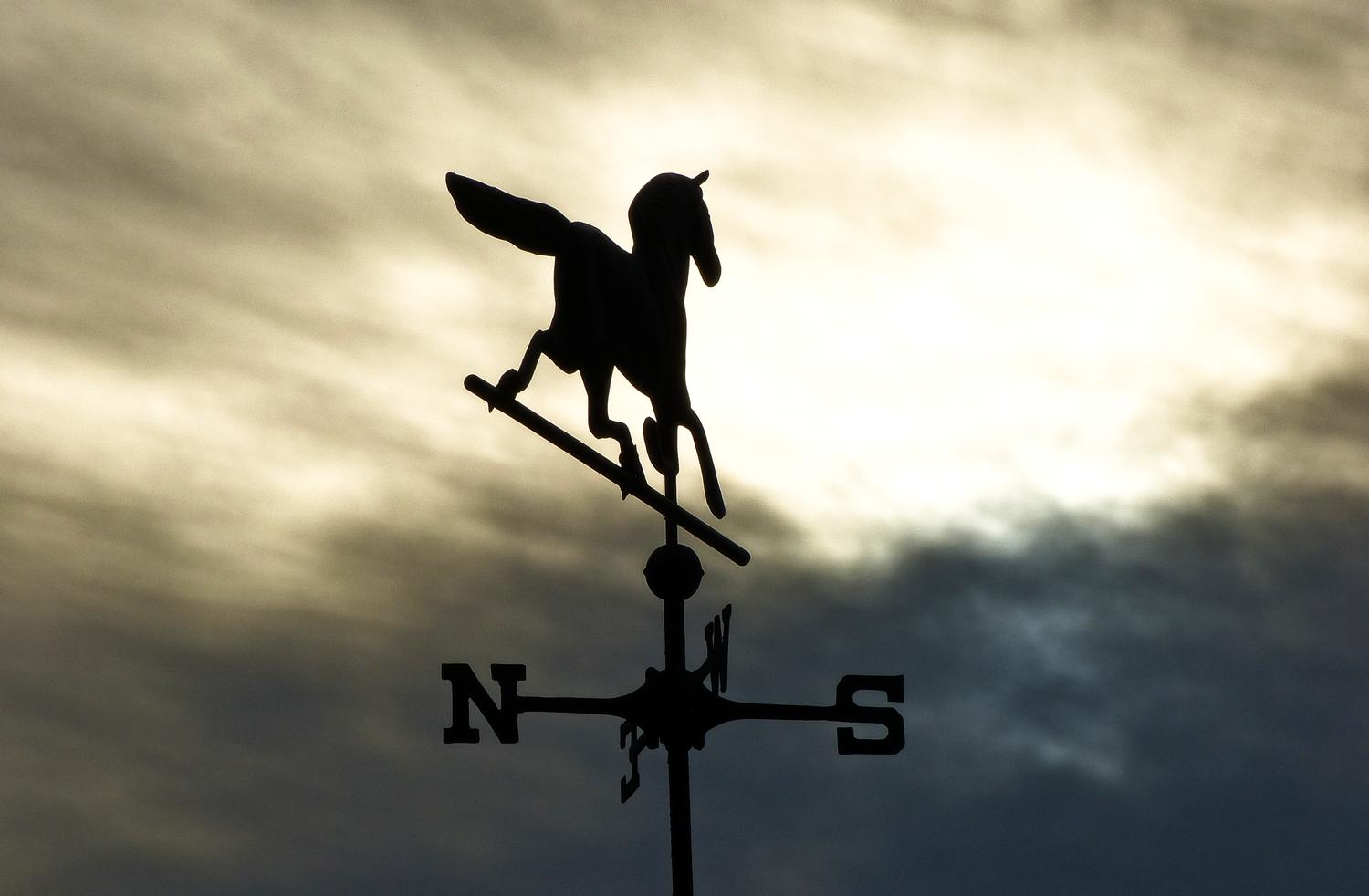
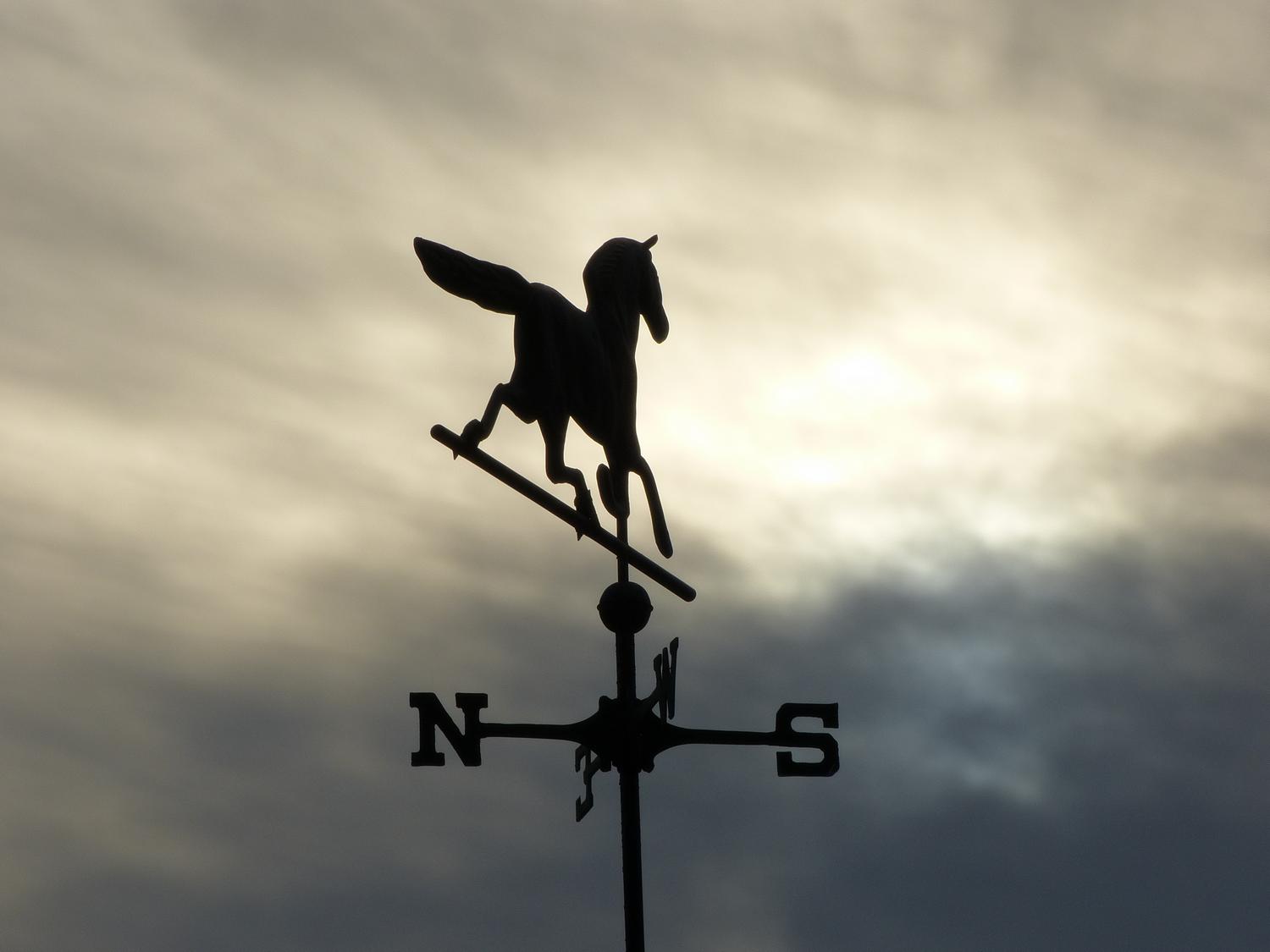
And while there are lots of fancy things you can do in a program like Photoshop, it's amazing how much you can add to a picture with just a few simple tweaks in even the simplest photo editing programs. Take the picture of the weathervane, above. All I did was to tamper with the tonal range a little bit, then crop the picture. Darkening the bottom of the picture helps de-emphasize the letters on the weathervane without hiding them completely. Cropping helps focus on the horse. You can compare the finished result to the original by clicking on the picture. The original doesn't look too bad, but the finished version has a lot more power.
If you've never used a photo editing program, most of them have some sort of automated correction facility. On some, it will give a suggested starting point and then let you do the fine tuning. For many pictures, this auto-optimization will be more than enough, and it's certainly a good place for a beginner to start.
You can start with the overall exposure and lighten it or darken it as necessary. There will also be controls to let you lighten or darken the shadows or highlights. Then you can tamper with the contrast. Sometimes I set the contrast down in the camera's settings, especially if the lighting is very contrasty. Remember that it's easier to bump up the contrast than to tone it down. You can always remove some of the tones from a scene, but it's difficult to add them back.
You can boost the saturation to add a little zing to the colors. You can also boost the sharpness if it needs a little tweak.
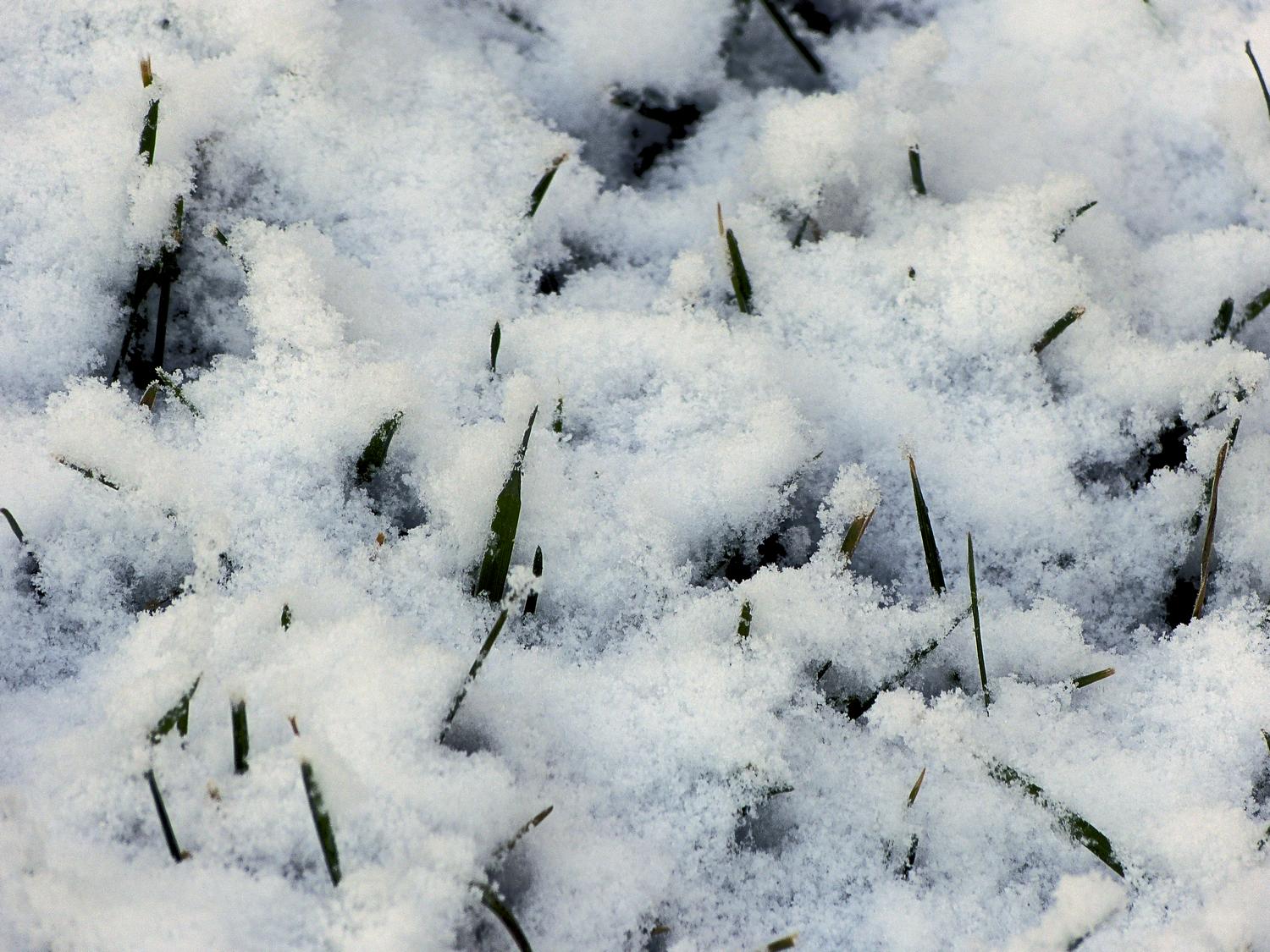
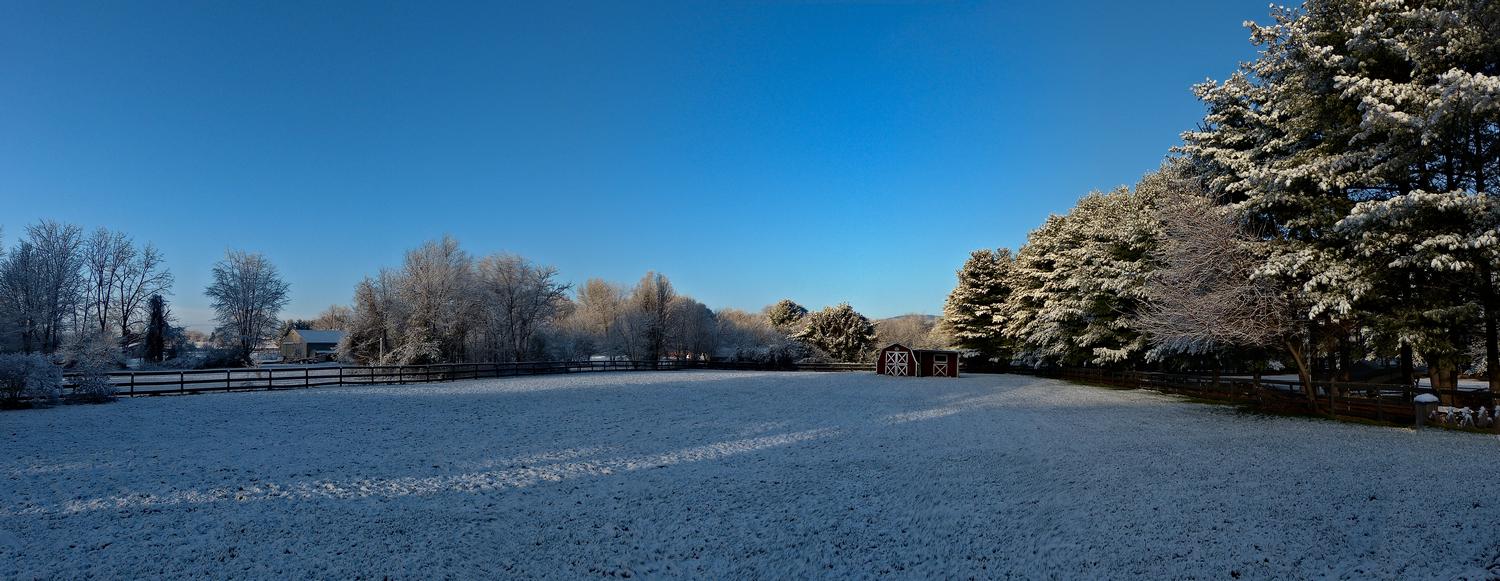
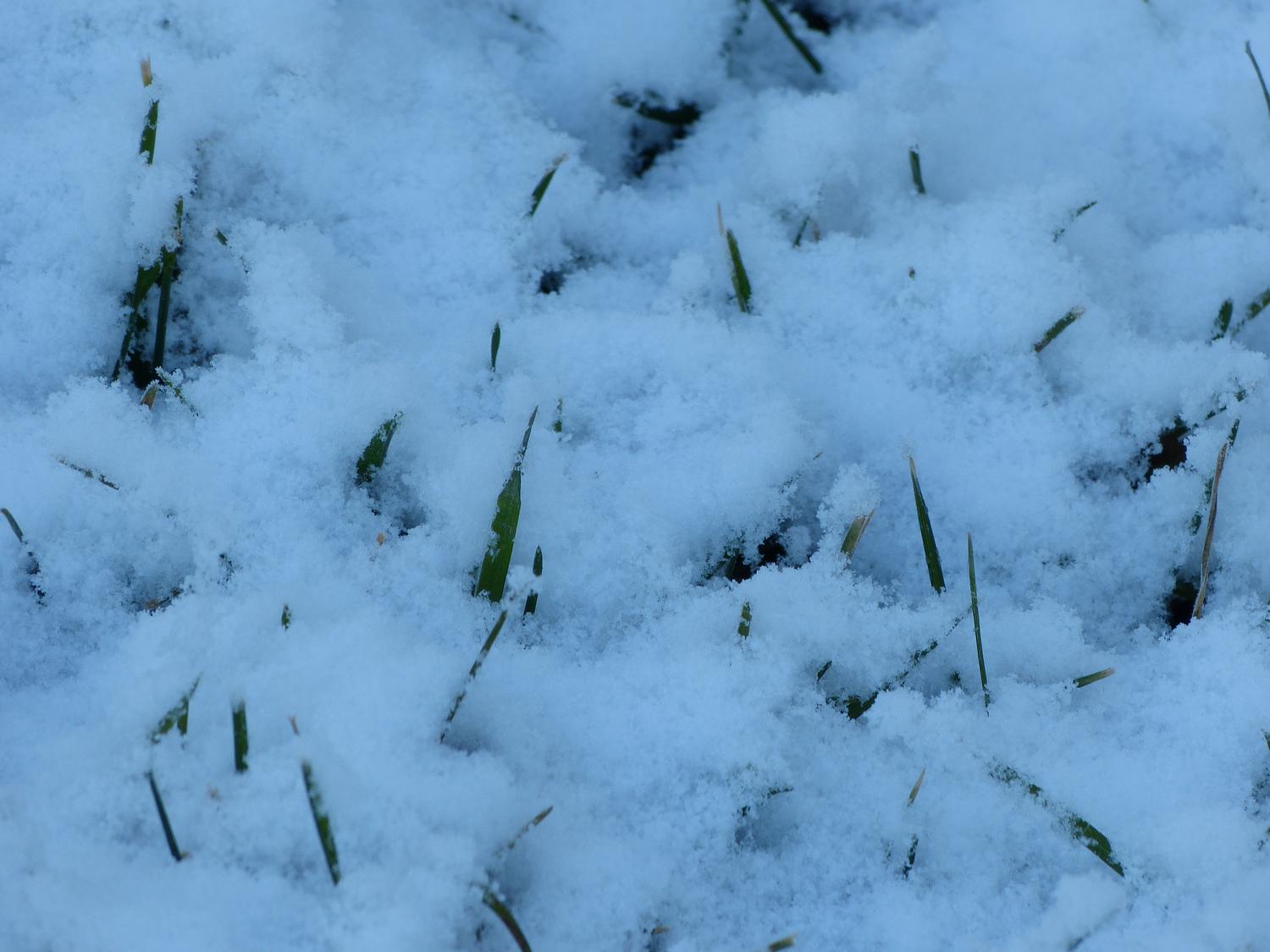
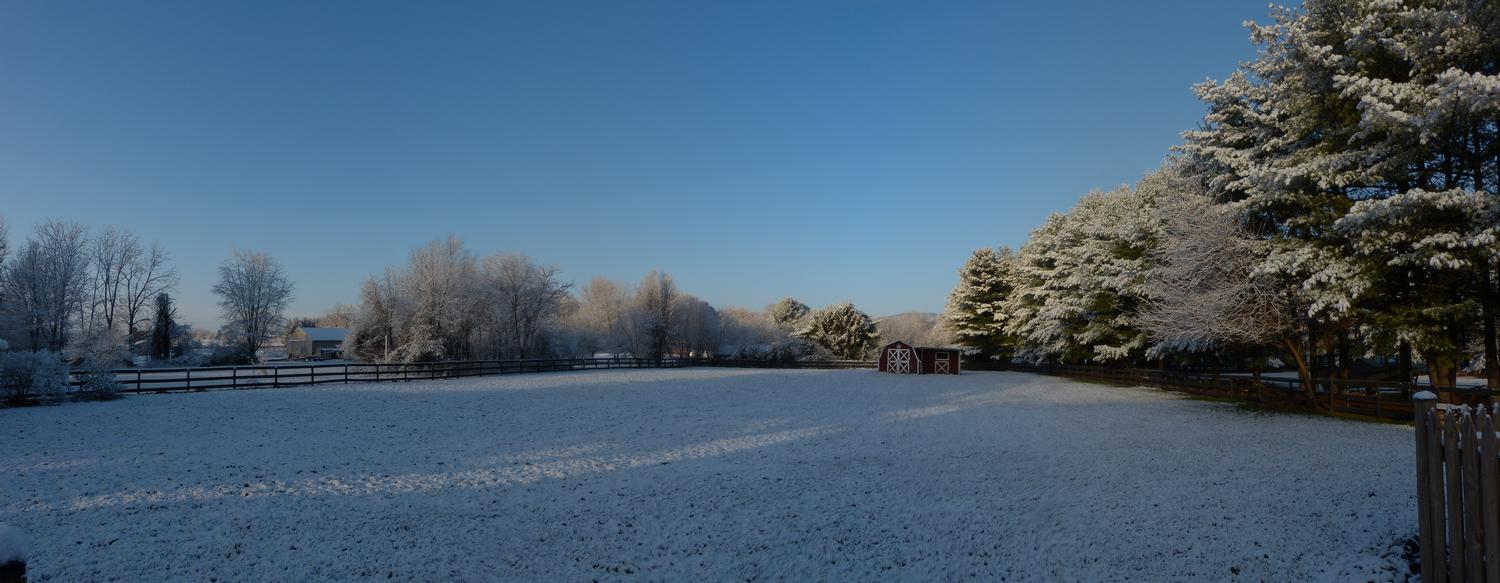
Digital cameras have automatic white balance that adjusts for the particular lighting, and it works well most of the time. I always leave my camera at this setting, but I keep my eye on the viewfinder to see if the camera has misjudged the light, giving a color cast to the image. In those cases, I adjust the white balance manually. Once in a great while, I get caught out, as you'll see in one of the images below. On a winter morning, my shots of the snow had an overall blue cast.
Most photo editing programs can fix this easily as part of the post processing. Look for a "White Balance" menu item. You will probably be presented with a dialog box that has a picture of an eyedropper somewhere in it. Click on the eyedropper and then click somewhere in the image that should be white or gray. You may have to click around a little before you get what you're looking for, but it shouldn't take very long.
Play with the different controls in the program. Experiment with which ones give the most pleasing results. The time you spend learning your editing program will pay off as you move up the learning curve. Don't be afraid to push the sliders in different directions. You'll get some interesting results. And remember, this is supposed to be fun.
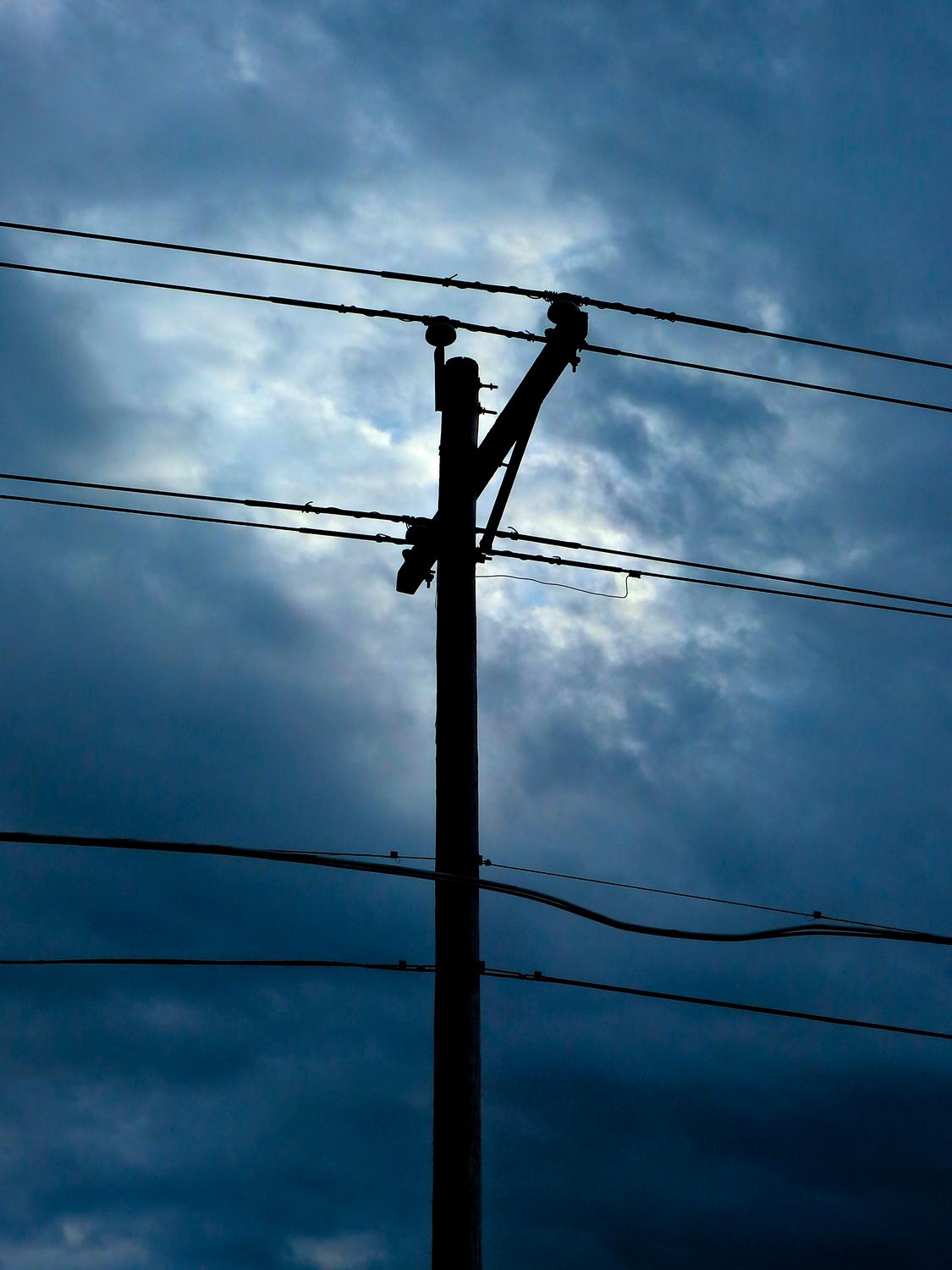
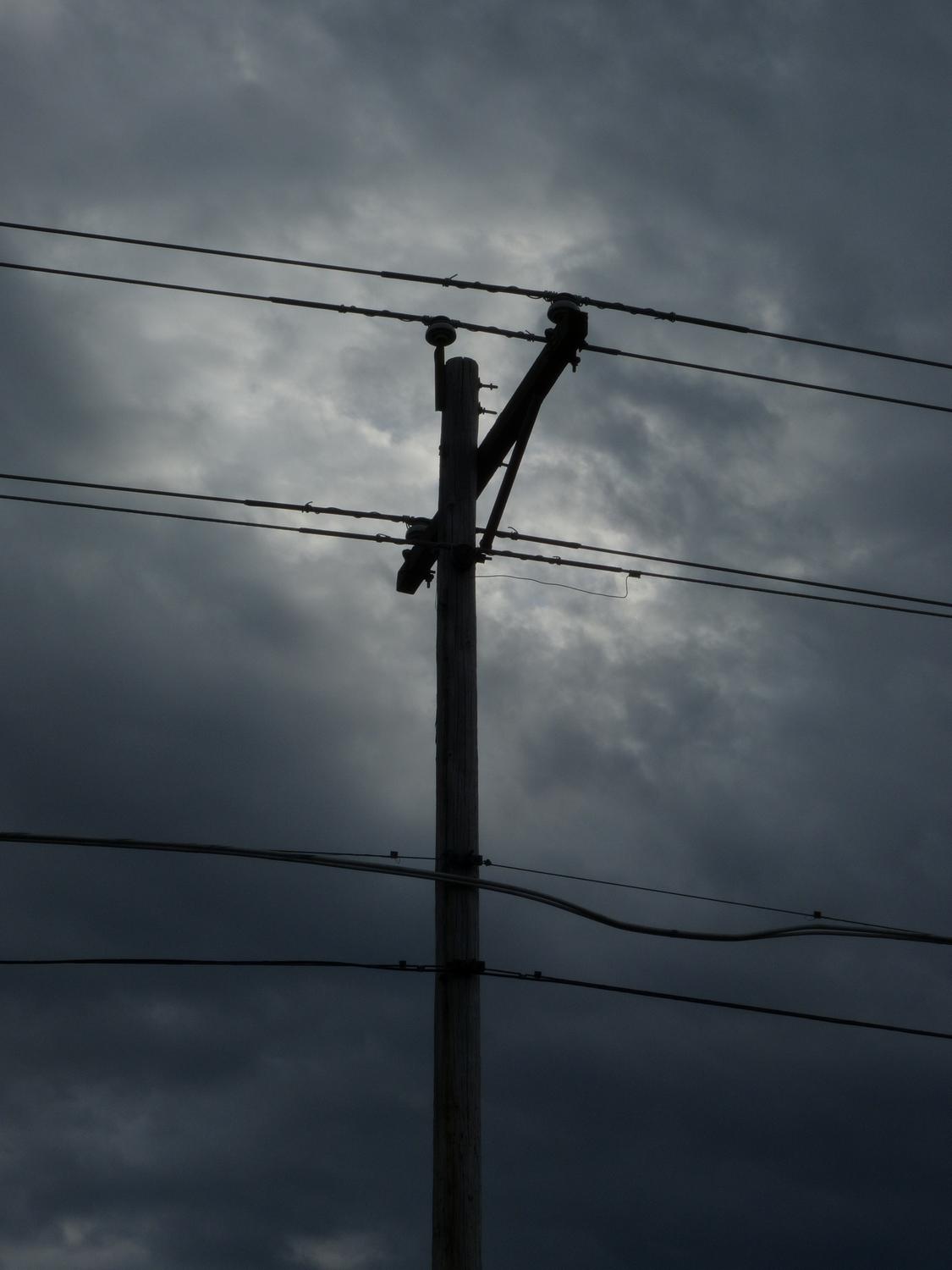
More advanced editing can include retouching. I usually use this to remove extraneous detail. For instance, PaintShop Pro has a "Scratch Remover" tool. You don't see many digital pictures with scratches, but I live in a rural area and it's hard to take a picture without a power line showing up in it. This tool zaps them right out of the picture. There are lots of other tools you can use for retouching, but that's a subject for another article.
Time to play with the filters in your editing program. These provide the special effects that can move your pictures into another world. You will be amazed at some of the effects that are available. But a word of warning as you get deeper into this, Playing with the effects in a photo editing program is like putting on makeup. You have to know when to stop.
The interesting thing is that you can produce many different images from each picture. There is no one perfect picture. As you progress in editing an image, save intermediate versions along the way. You can always pick the best one later on. After I'm done with my editing, I let the results rest overnight, then go back the next day for a critical look. I usually see some parts that need additional tweaking. It may take a couple of days, or even months until everything is just right.
Some notes. After you're finished editing a picture, save the edited version as a TIFF file. Always keep the original. You can usually choose compression in the file save dialog box. Compressing a TIFF file saves space on your disk drive, but doesn't affect the image quality.
When I shoot, I always shoot JPEG format, and always at the highest quality setting. There's an old wives' tale that once you shoot a JPEG image, that's it. No changes can be made. I suspect that this comes from the raw shooters, and it's anything but true. Take a look at the pictures below and you'll see just how much can be accomplished when starting from JPEG. It's as versatile as raw and a lot easier and more convenient.
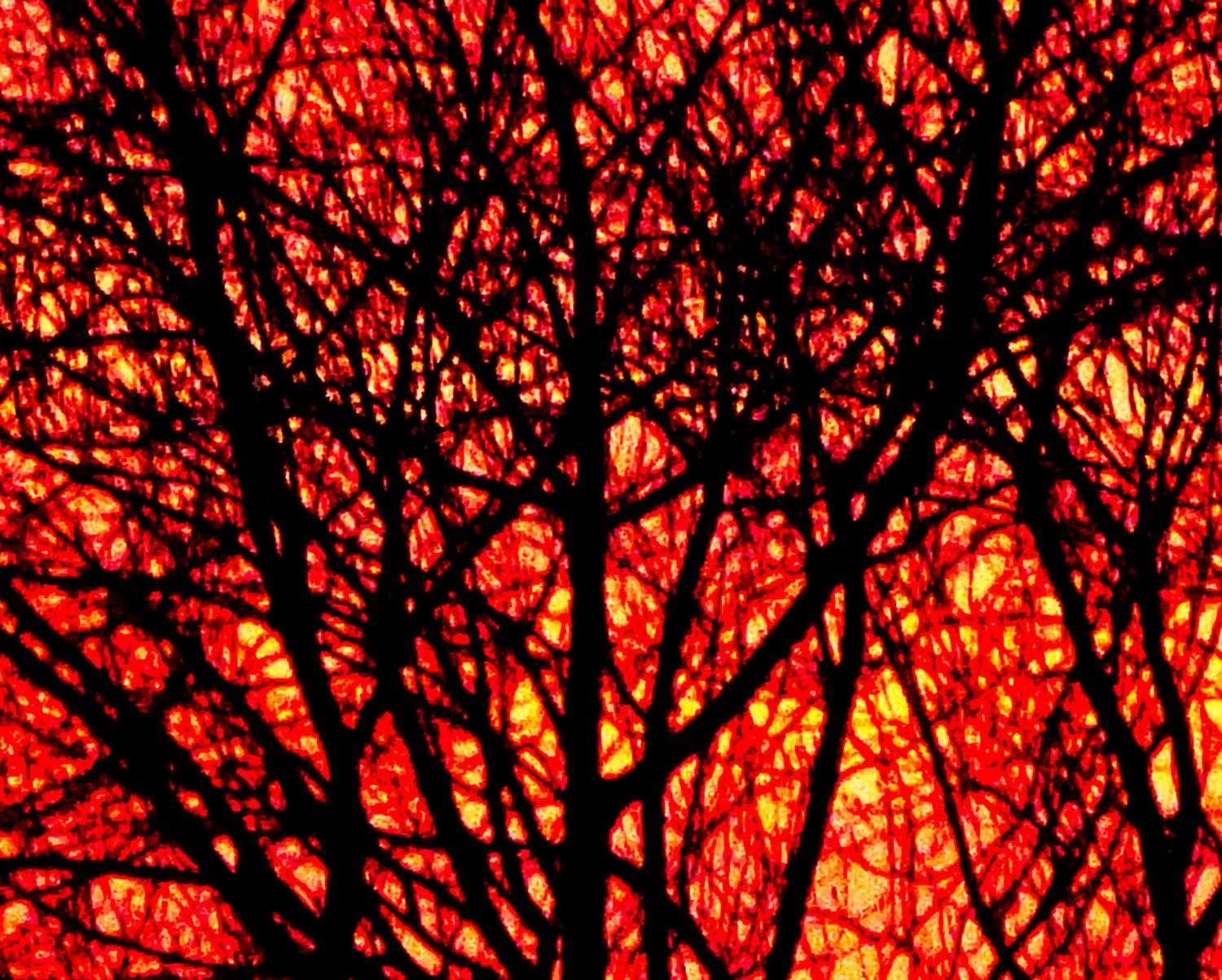
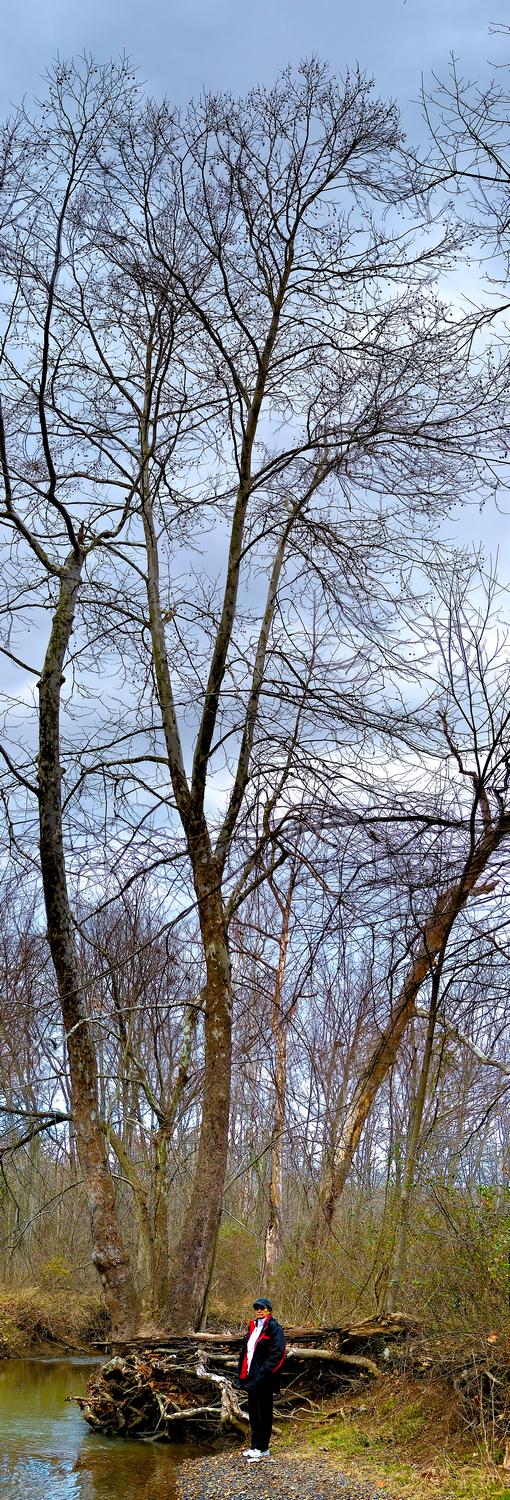
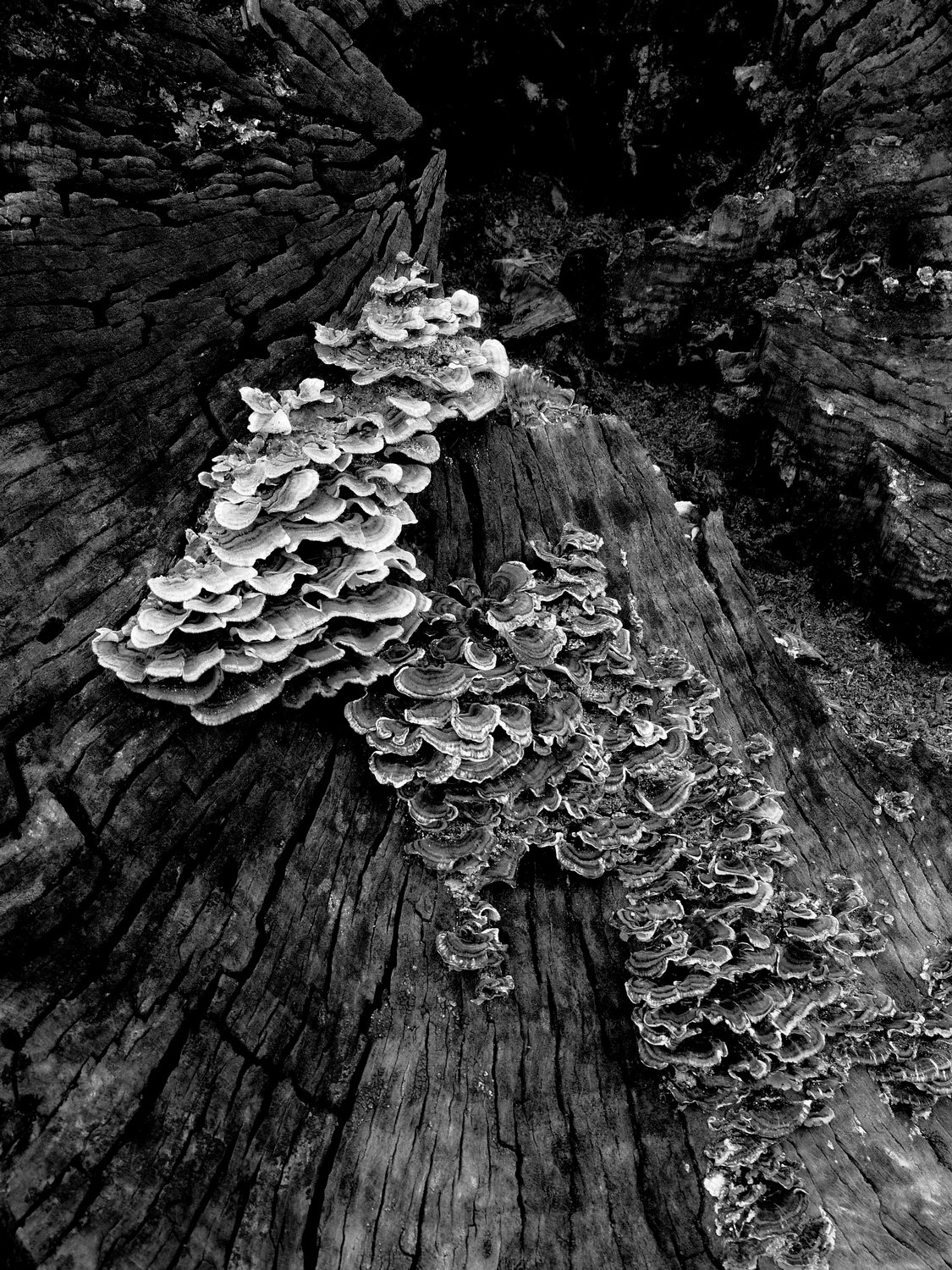
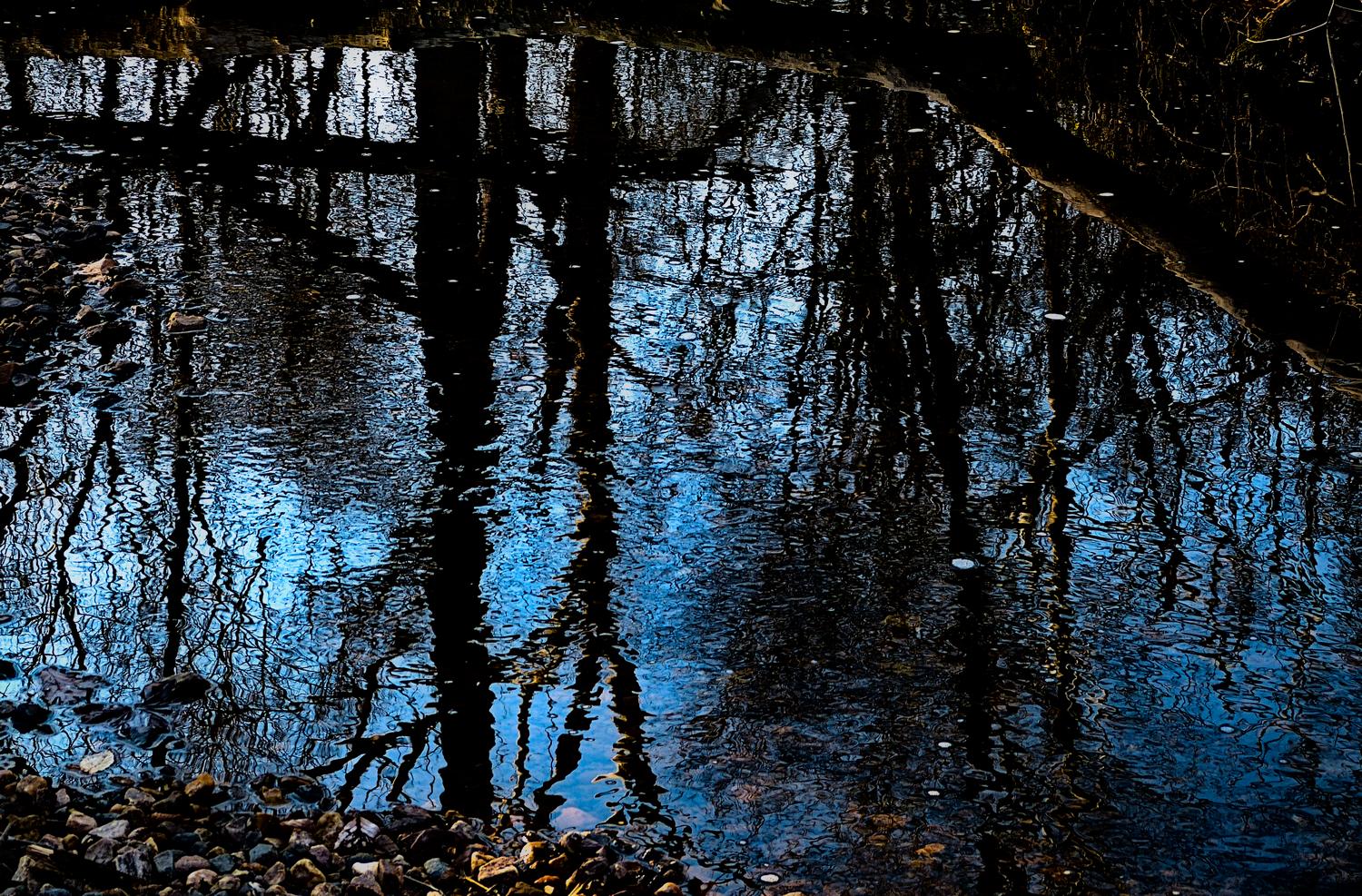
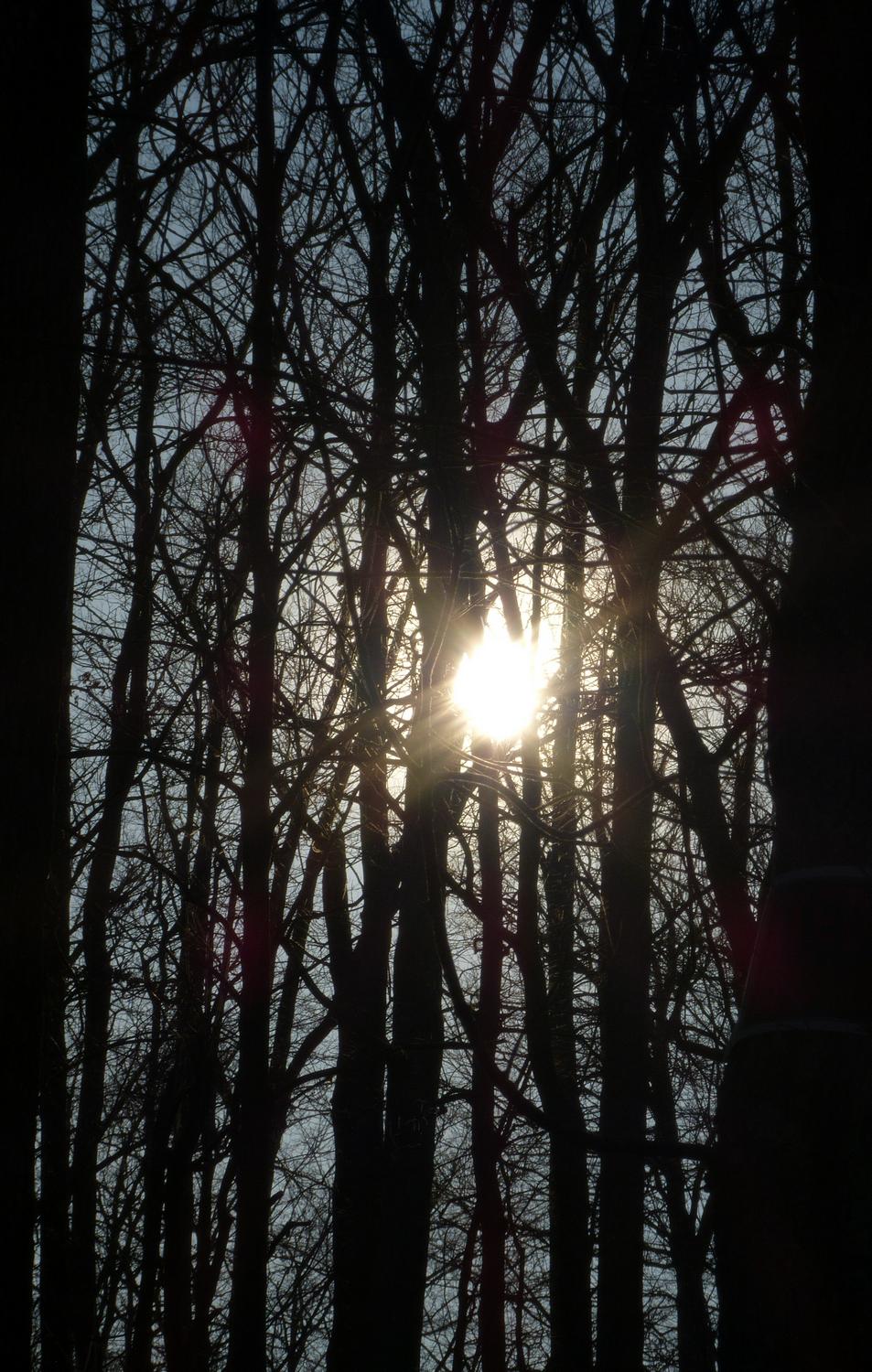
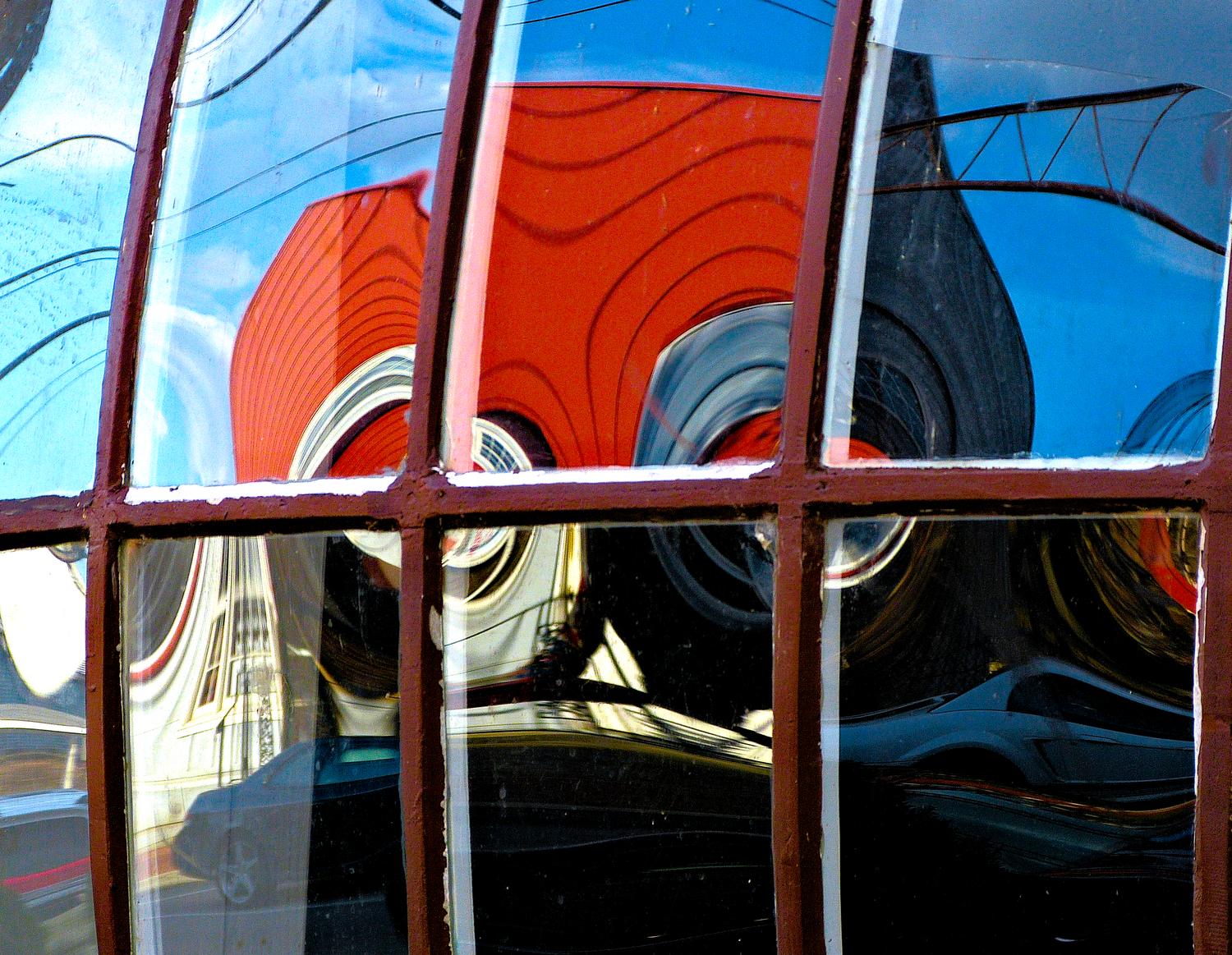
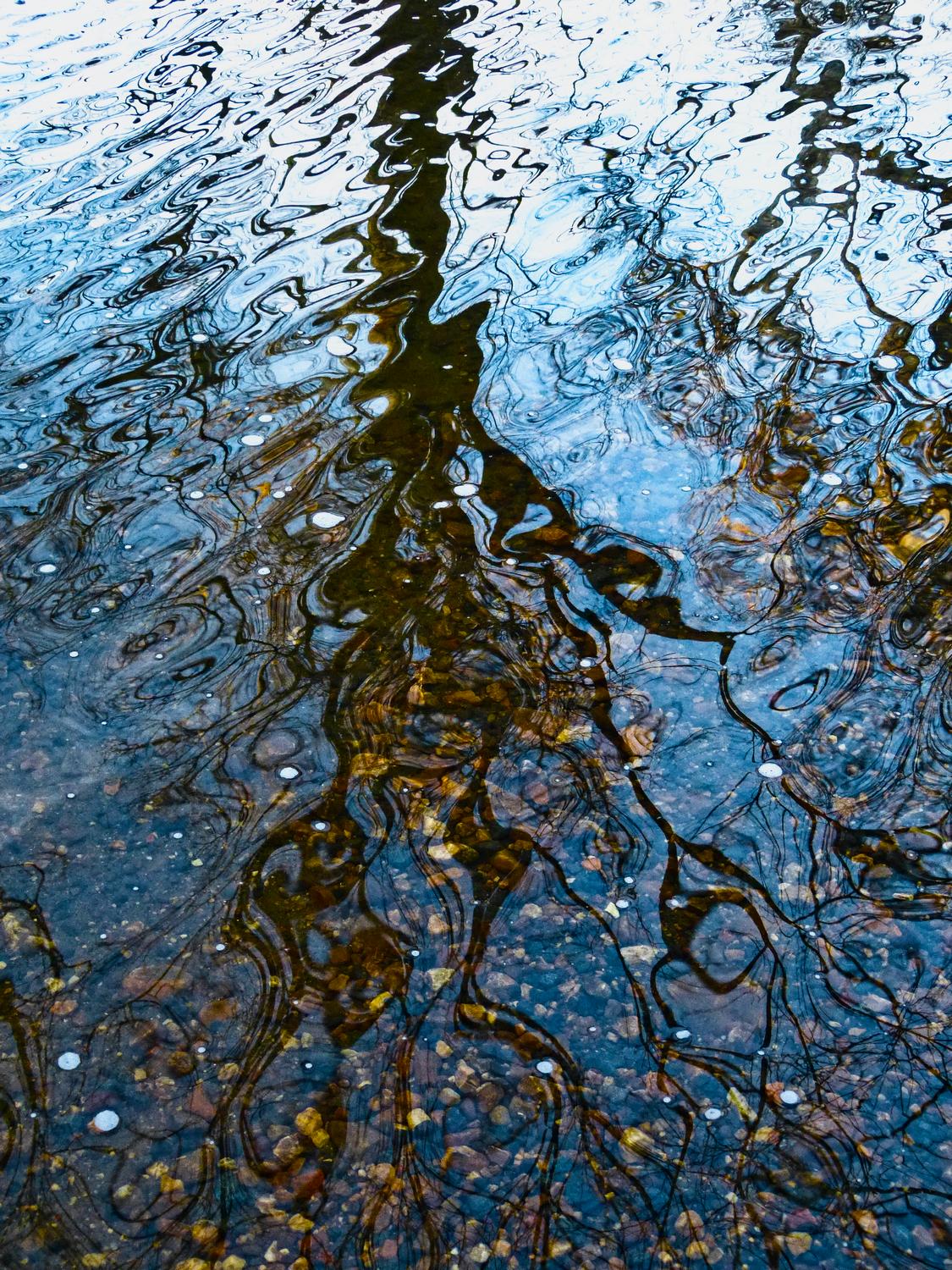
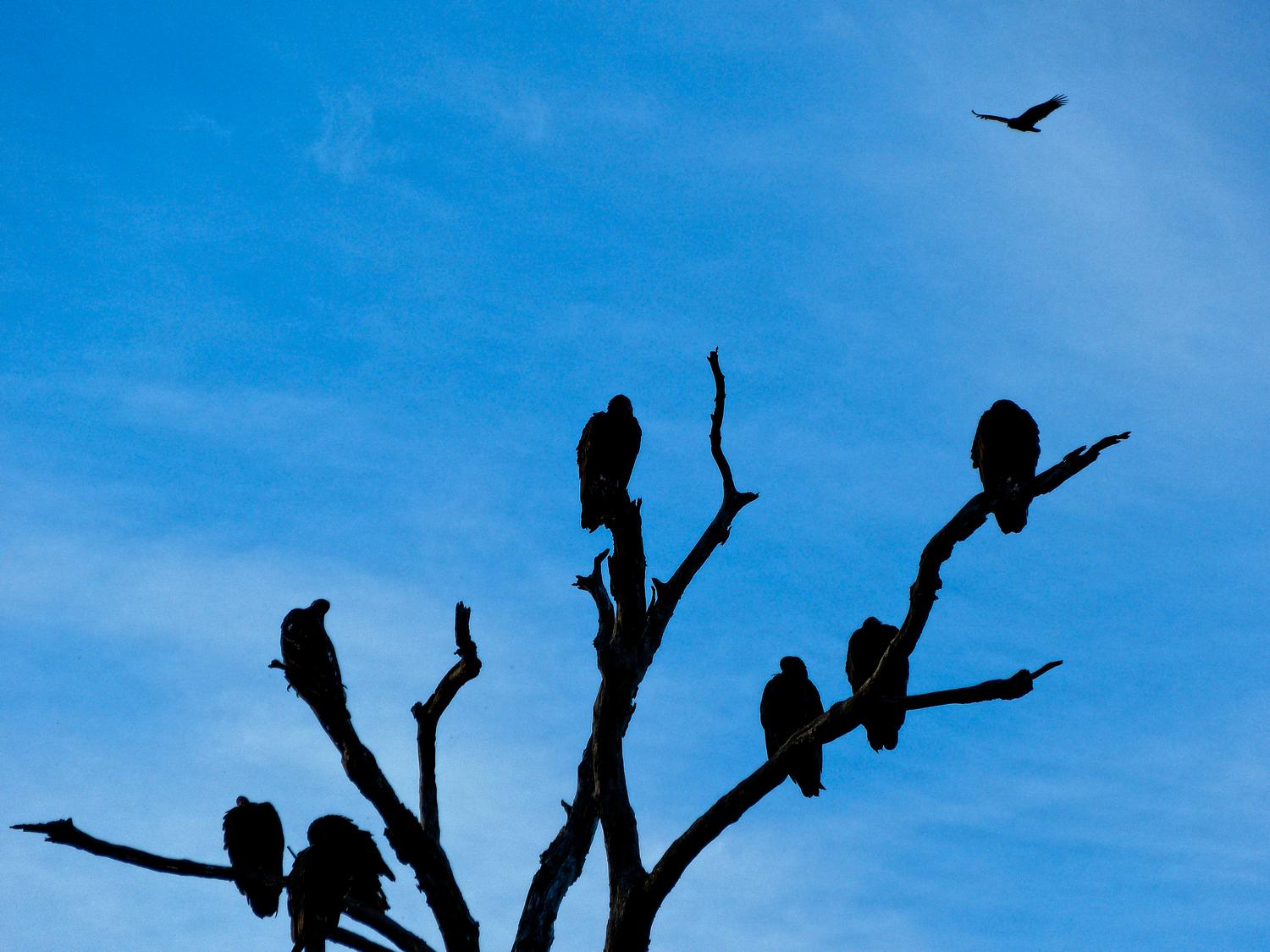
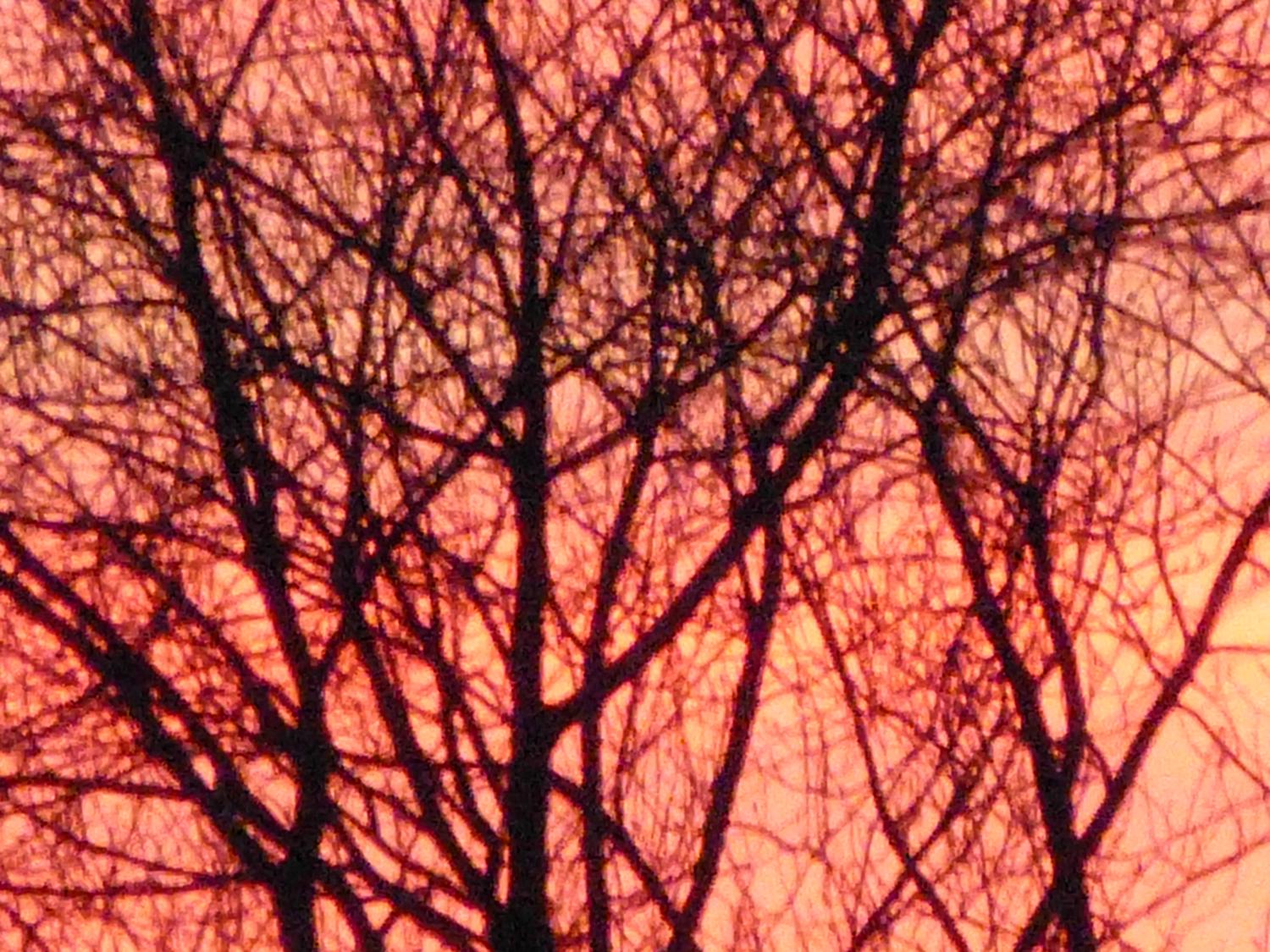
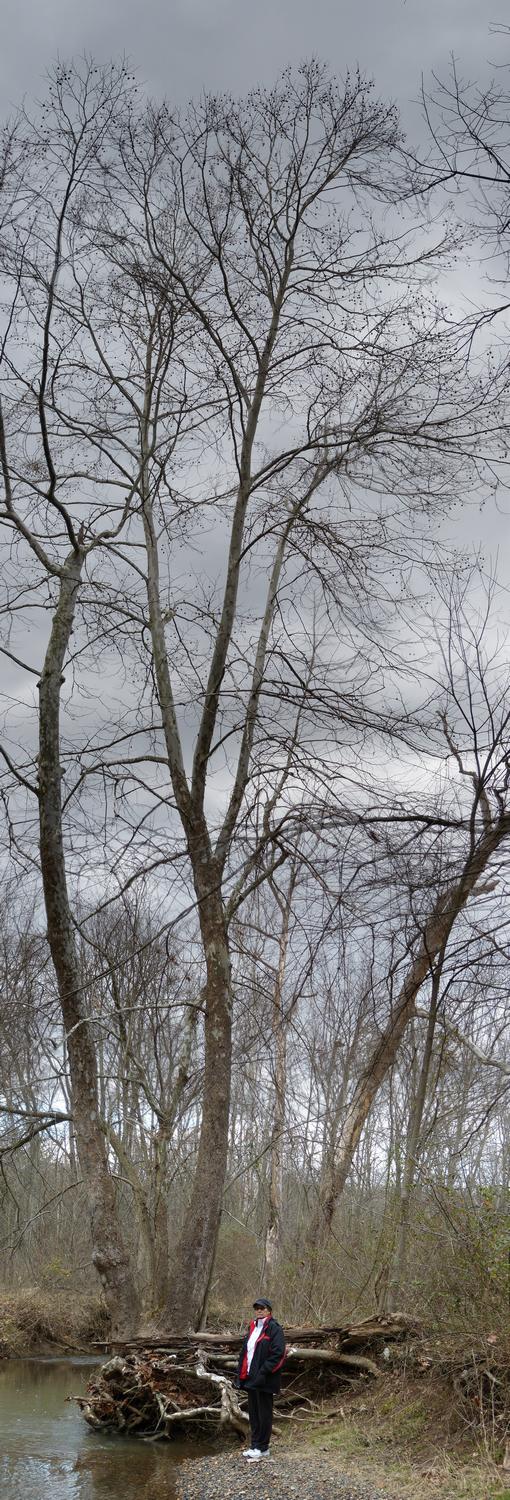
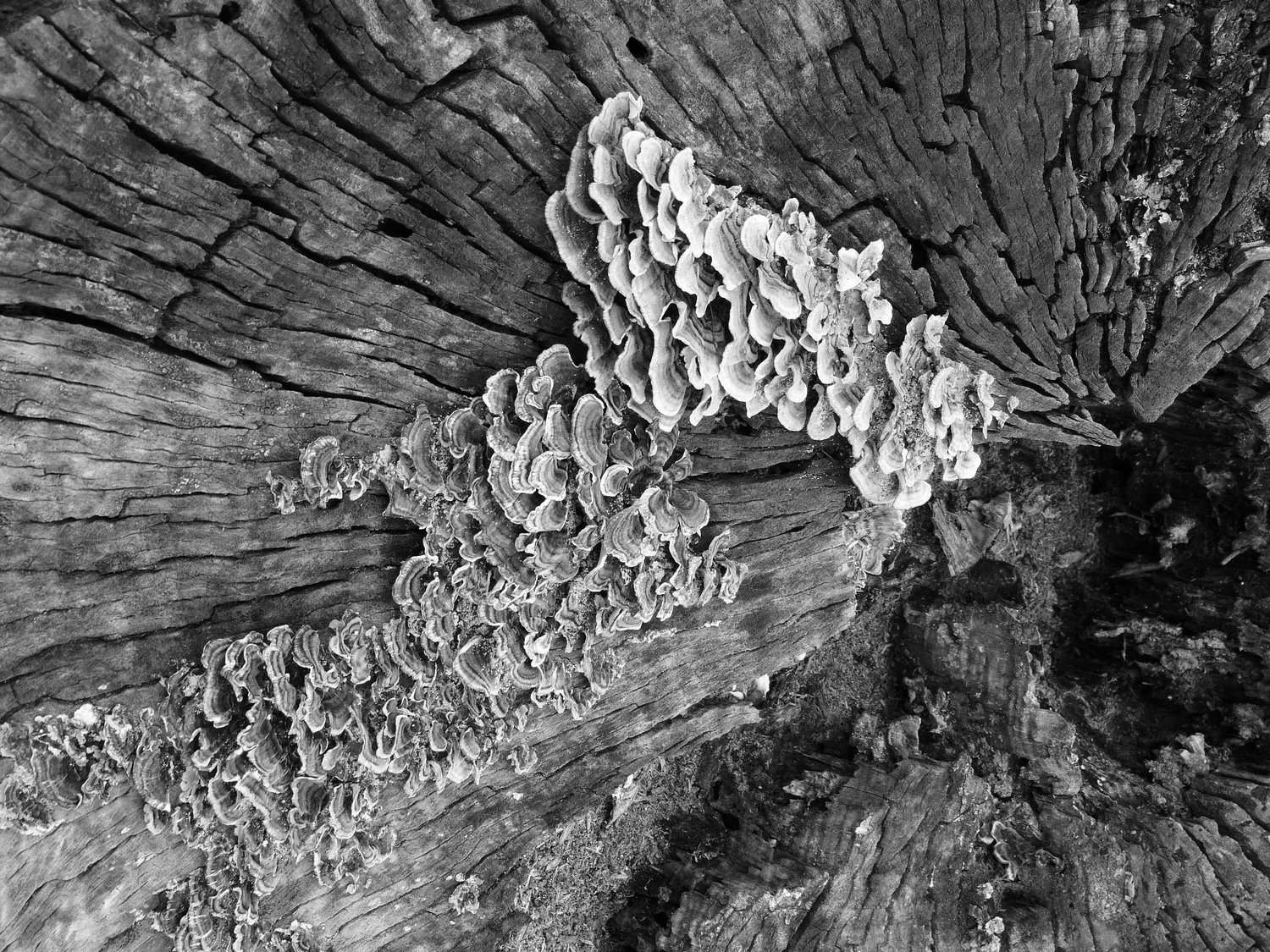
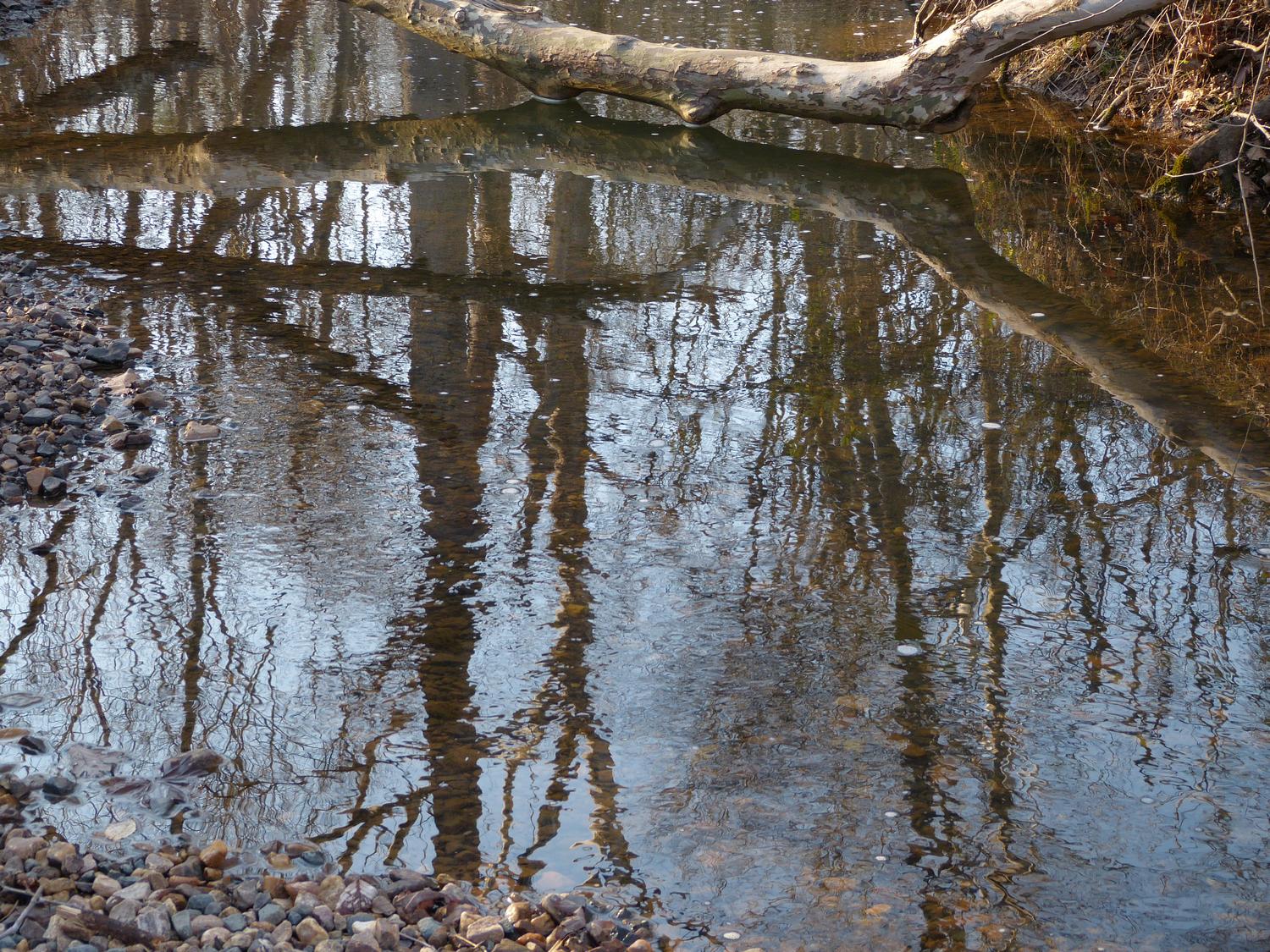
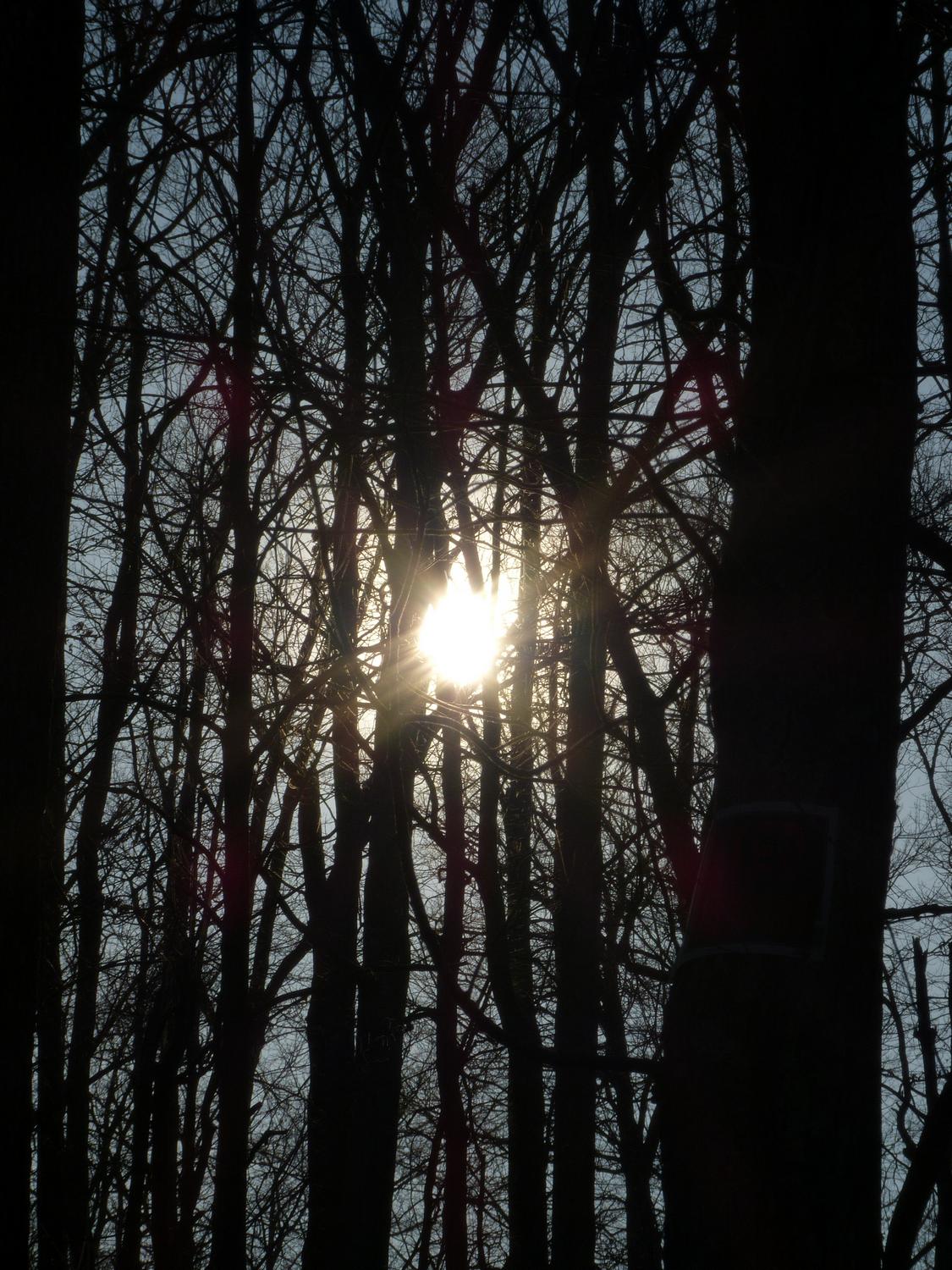
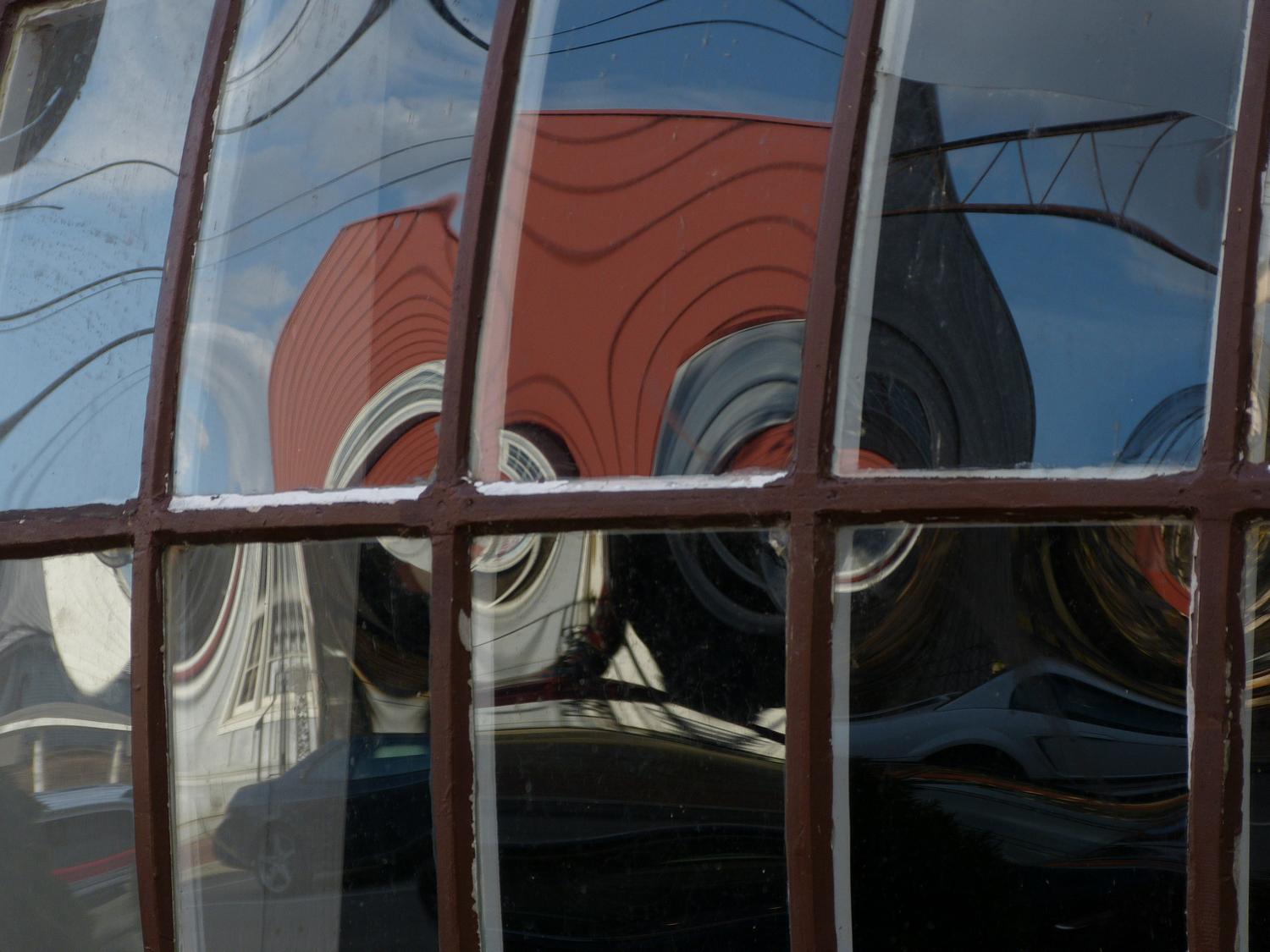
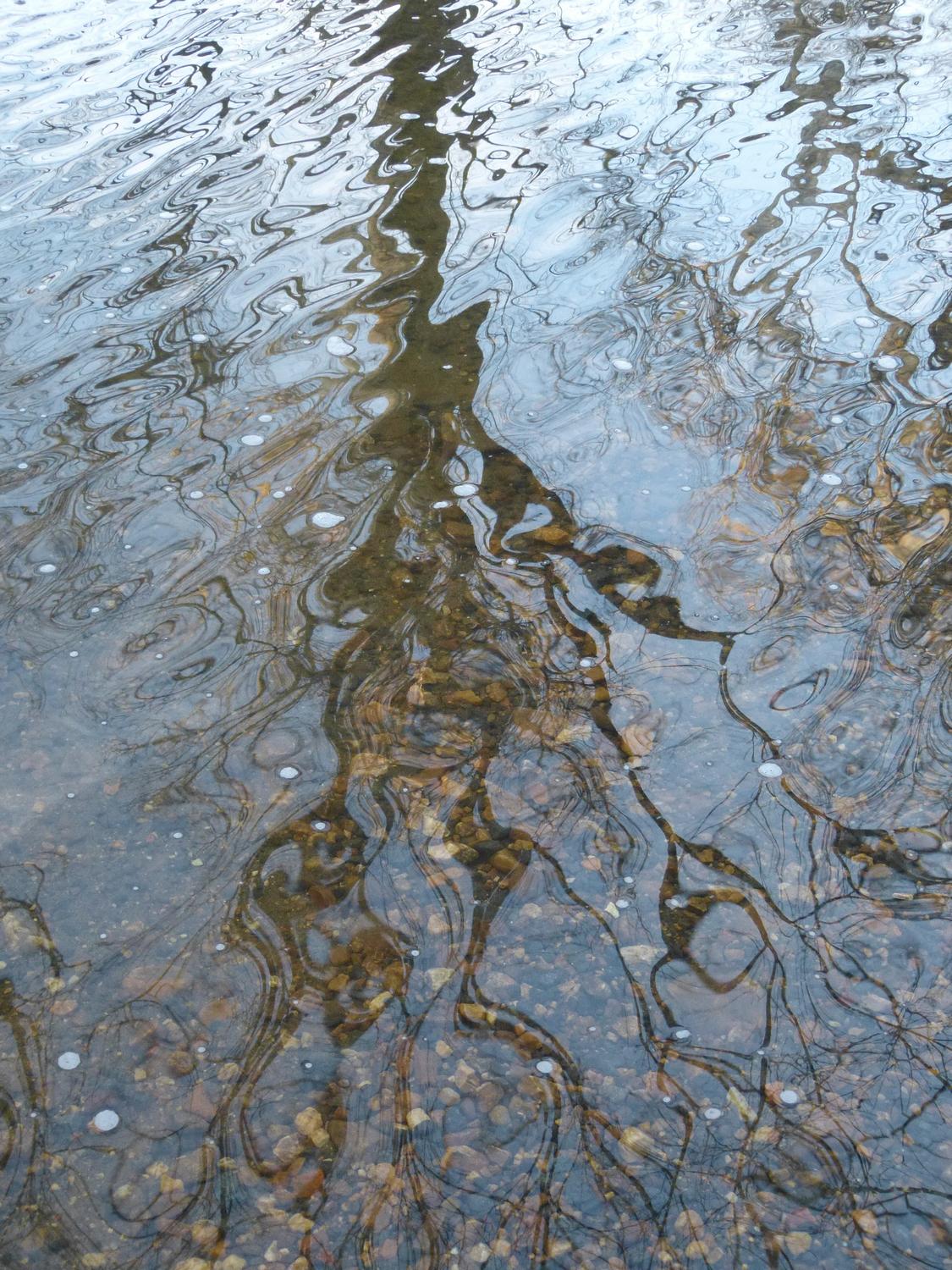
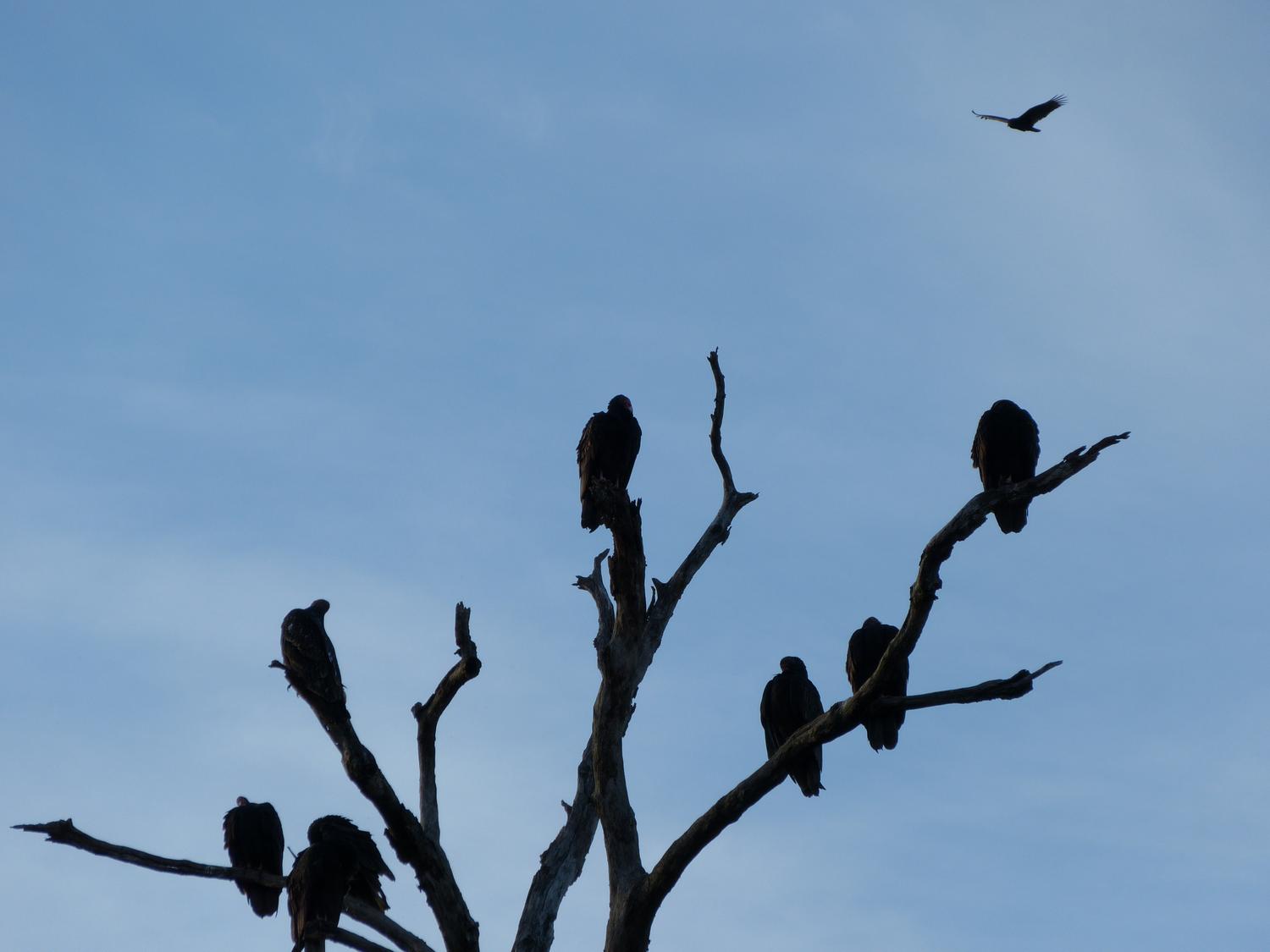
So here's a brief demonstration of what can be accomplished with post-processing. Some of the pictures have simple tweaks, such as a cropping of extraneous detail. Others are a bit more extreme.
Some technical notes: The pictures were shot with my Panasonic DMC-FZ150, in JPEG "Fine" mode, and the magic was added with LightZone 3.
Copyright 1957-2023 Tony & Marilyn Karp